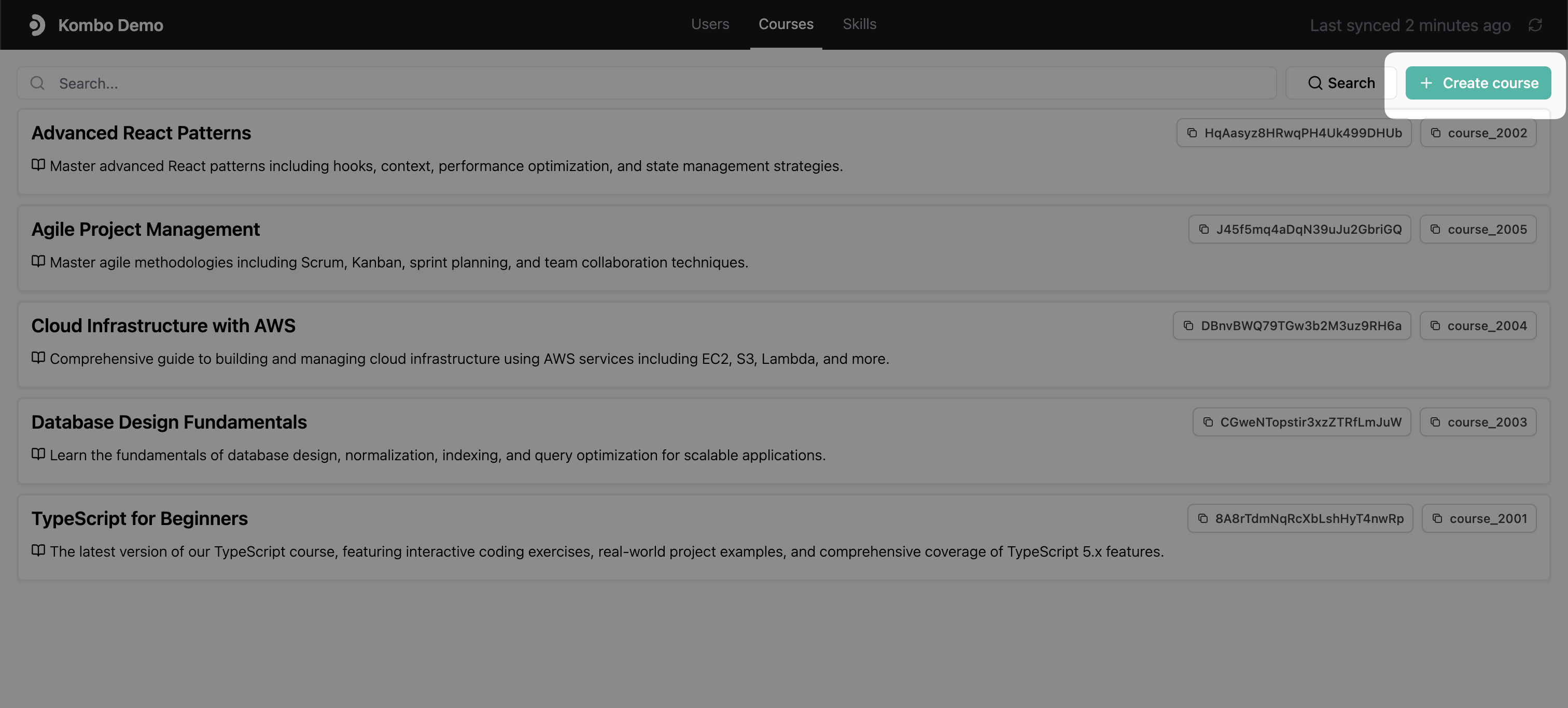
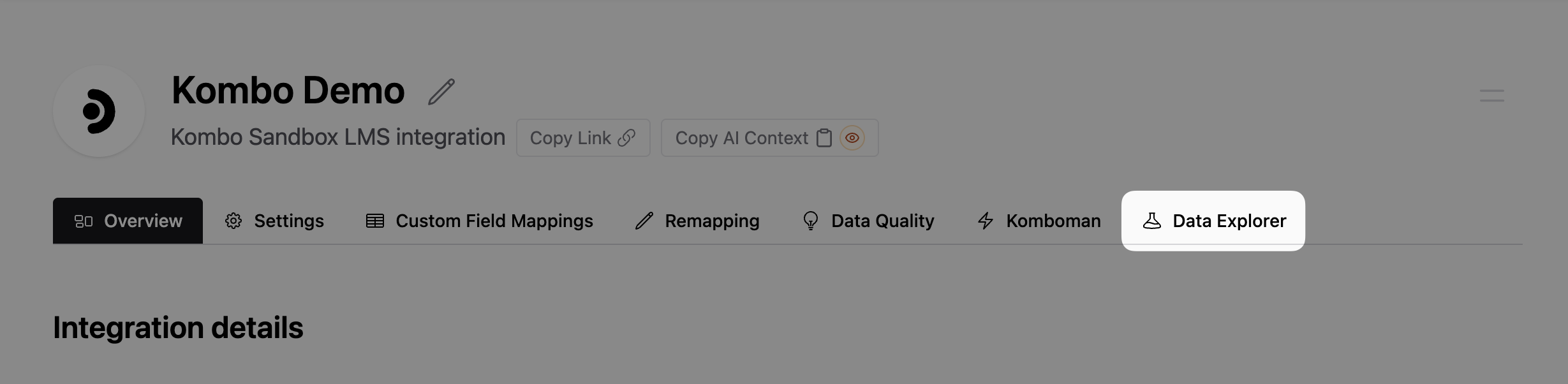
The Data Explorer is a visual layer on top of Kombo’s unified API. It allows
you to view and search for data entries and execute all write actions from a
convenient UI in the Kombo dashboard.This allows you to easily debug issues with your integrations, develop new
features, and test changes with your customer’s data or your sandboxes.
Below a few examples showing what you can do with the Data Explorer.
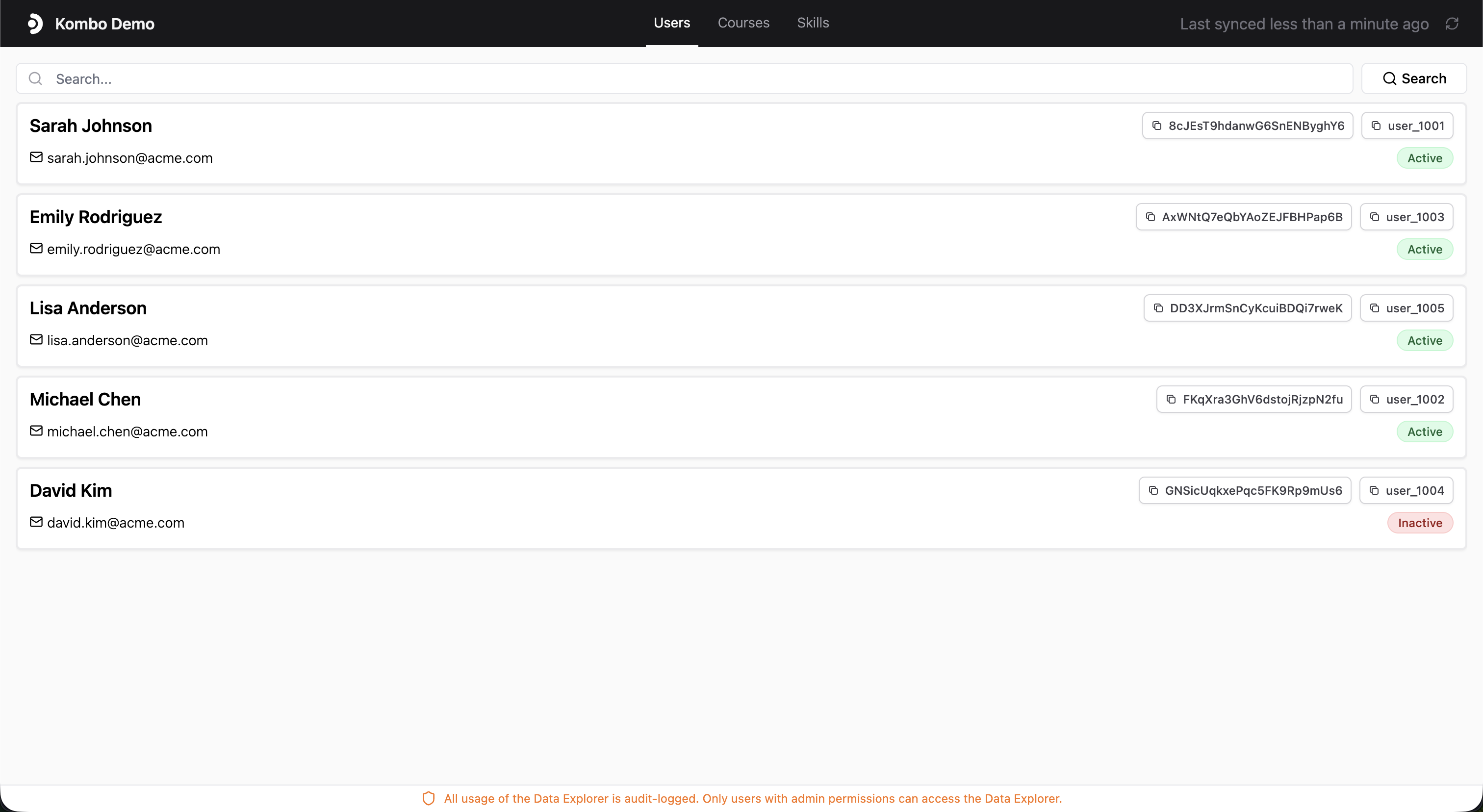
View data
You can view any data field of any data model available
on the Kombo API in the Data Explorer. This includes users, courses,
course progressions, skills, and all their relations to each other.
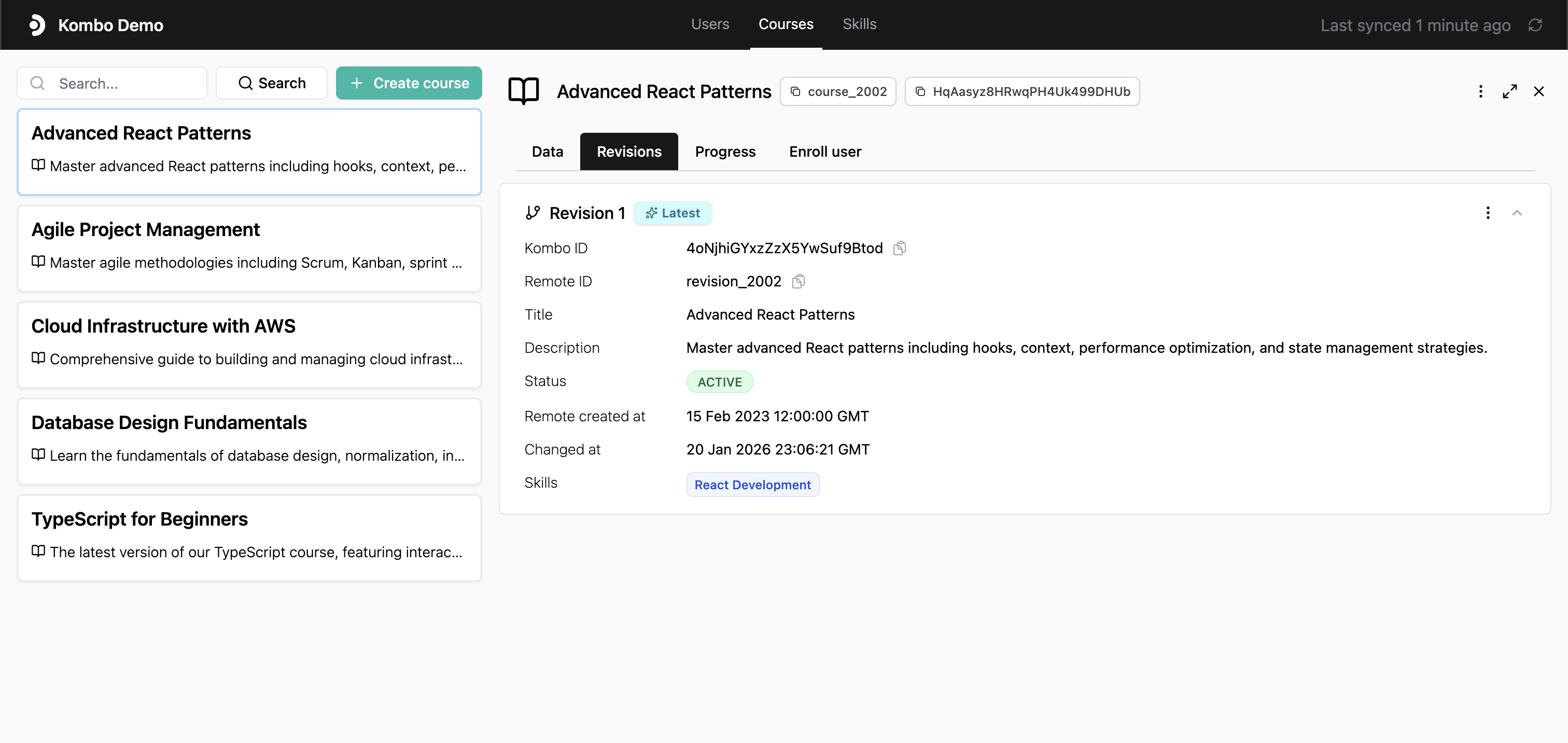
Course details with revisions
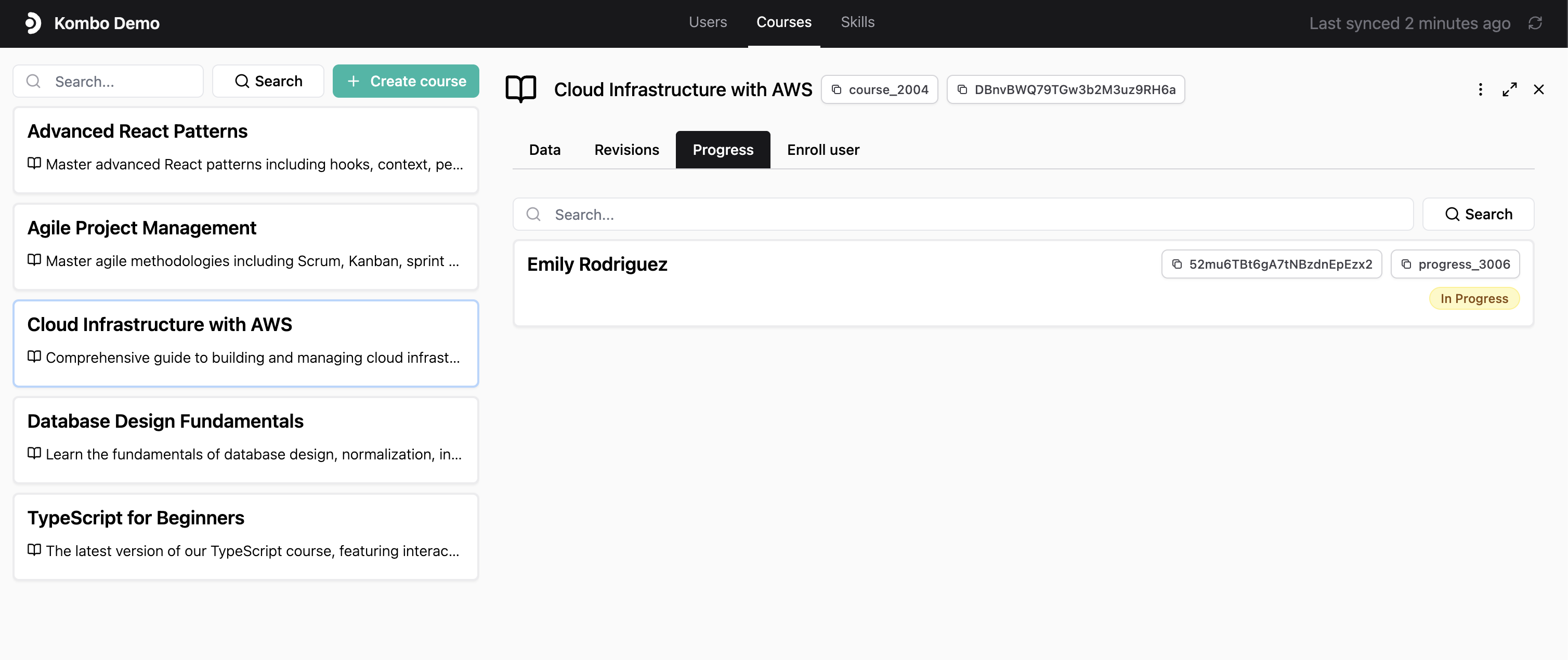
Course progress | users enrolled in a course
Modify data (e.g. creating courses and progressions)
You can run any write action supported by the Kombo API in the Data
Explorer. This includes creating courses and course progressions, completing
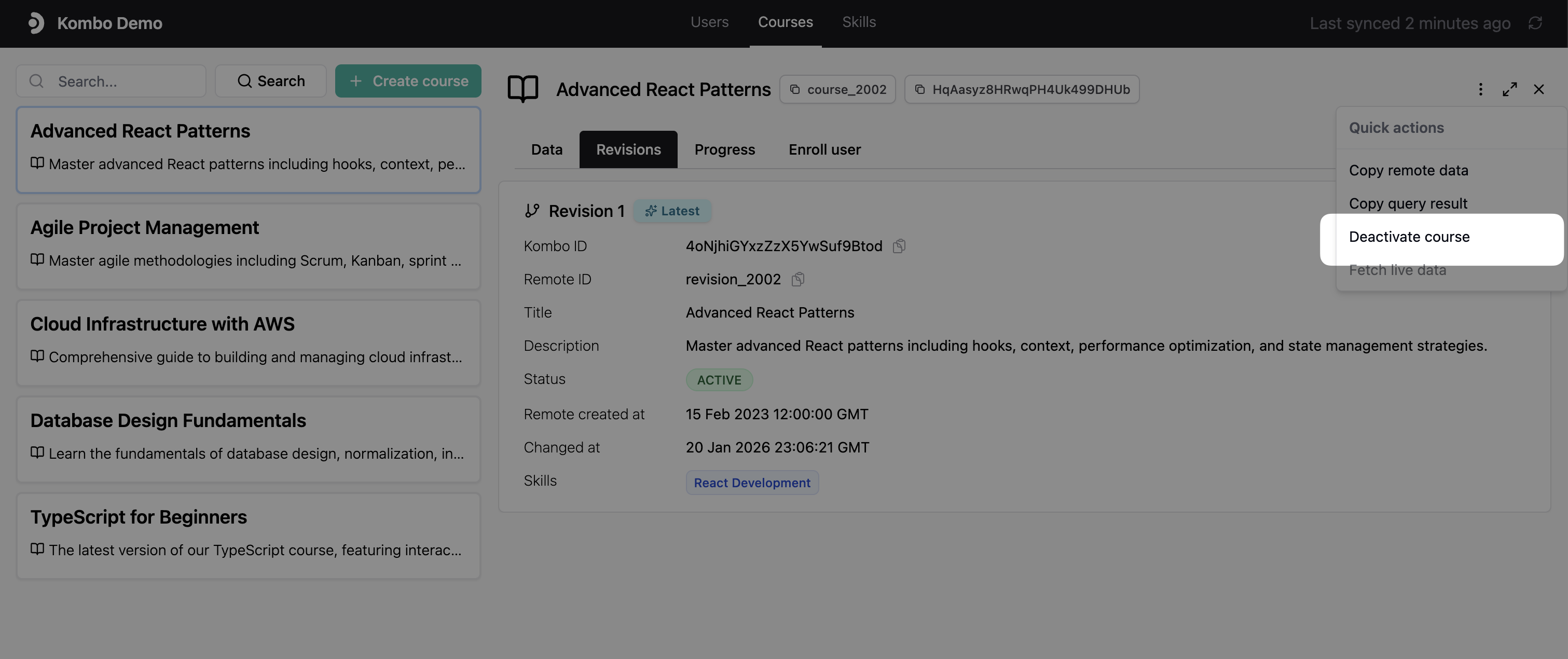
course progressions, and deactivating courses.Write actions can be accessed by clicking the three dots next to a data
entry.
Course write actions
You can also upsert courses directly from the Data Explorer using the bulk
upsert courses action.
The Data Explorer is a feature built on top of the Kombo API. It allows you to
interact with the Kombo API in a convenient UI in the Kombo dashboard. All
integration-specific read and write actions that are possible via the Kombo API
are available in the Data Explorer.