

- what is wrong
- when Kombo first observed it and last observed it
- whether it is open, snoozed, or resolved
View issues in the dashboard
Open the Integrations page in the Kombo dashboard. The list shows an issue count for every integration with an open issue. Hover over the count to see the title and how long Kombo has been observing it.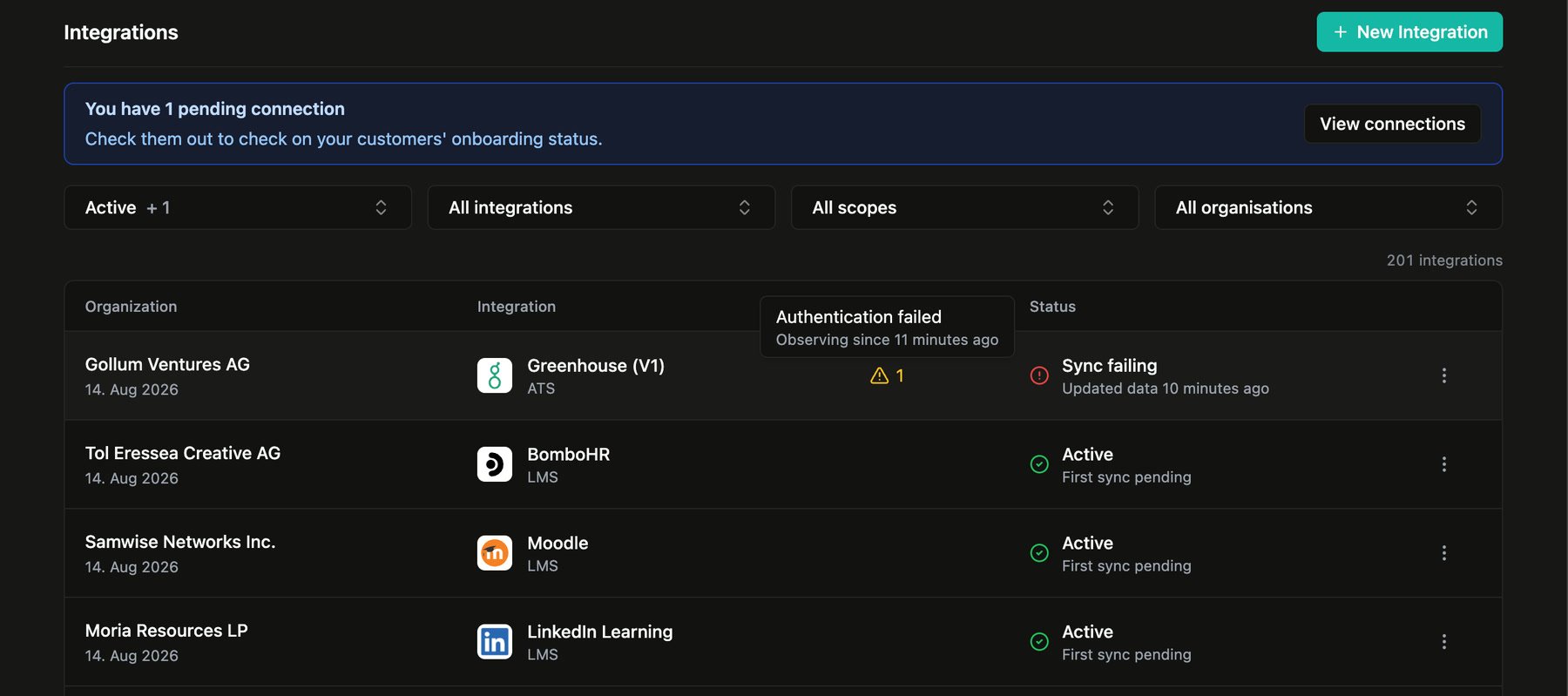
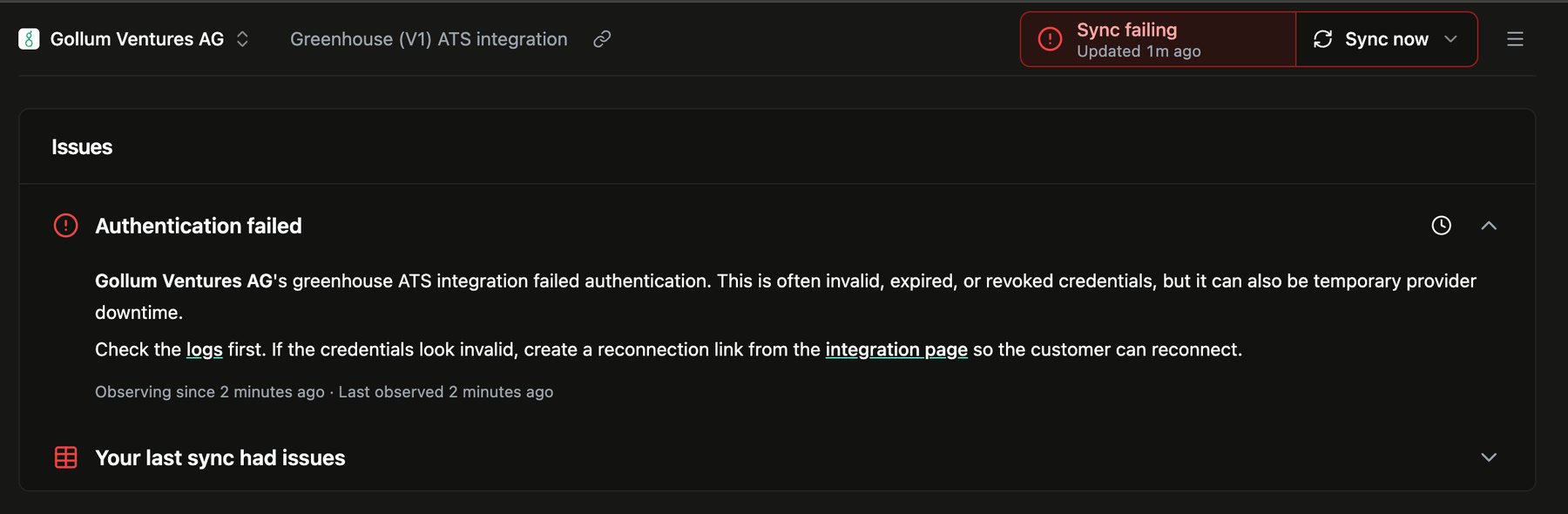
issue-status-changed webhook.
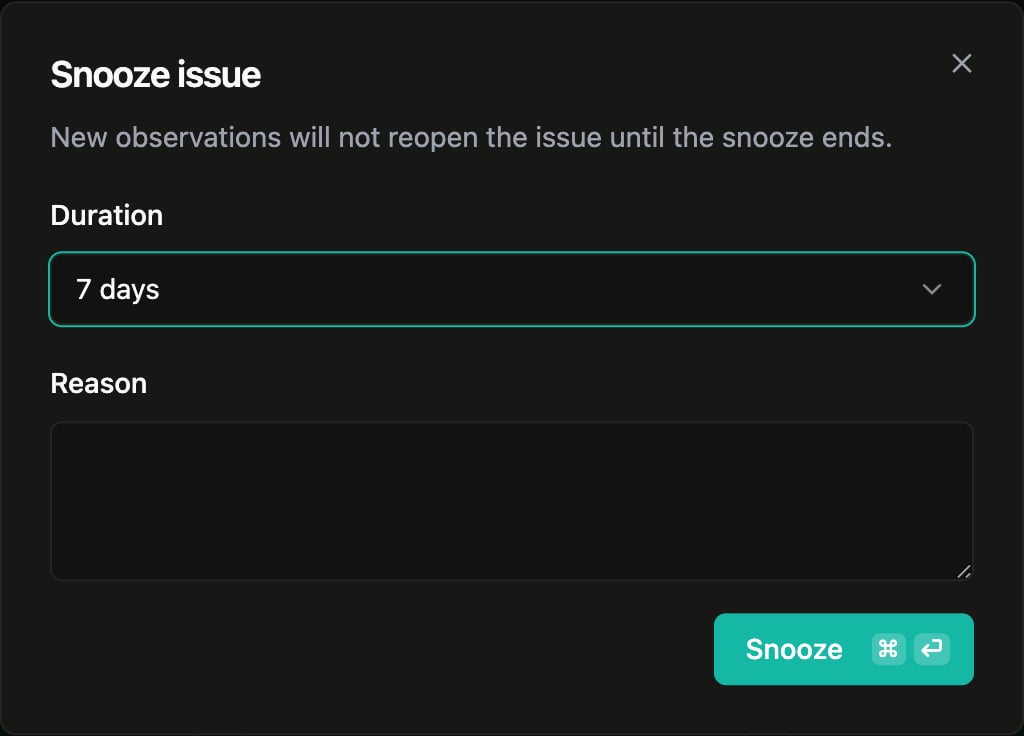
Subscribe to issue updates
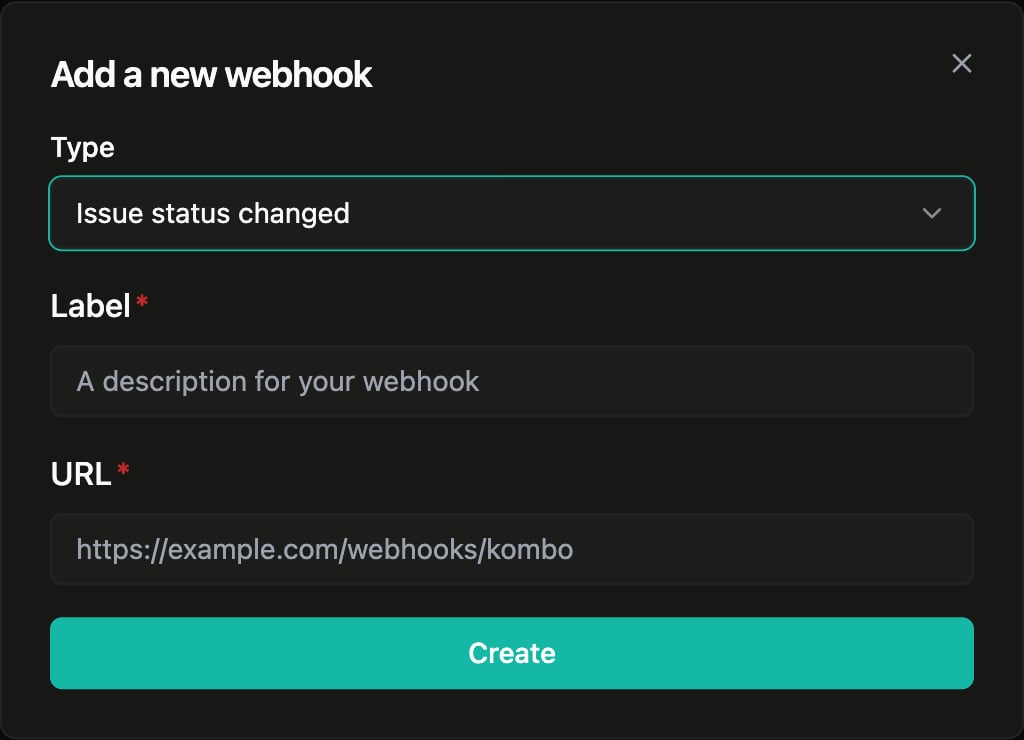
To receive issue updates in your system:- Open Configuration → Webhooks for the environment you want to monitor.
- Create a webhook and select Issue status changed.
- Enter the endpoint that should receive the events.
issue-status-changed webhook when an issue is raised or resolved. The
payload’s data.change field is raised or resolved, and data.issue
contains the issue details. See the
webhook reference for the full
payload, delivery behavior, and signature validation.
Issue types
When each issue type is raised and resolved.
Logs
Inspect the requests behind a failing sync or action.
Reconnecting
Restore credentials when authentication has failed.
Webhooks
Get raised and resolved issue events as they happen.