

Custom Fields — Unified Extra Data (Reads)
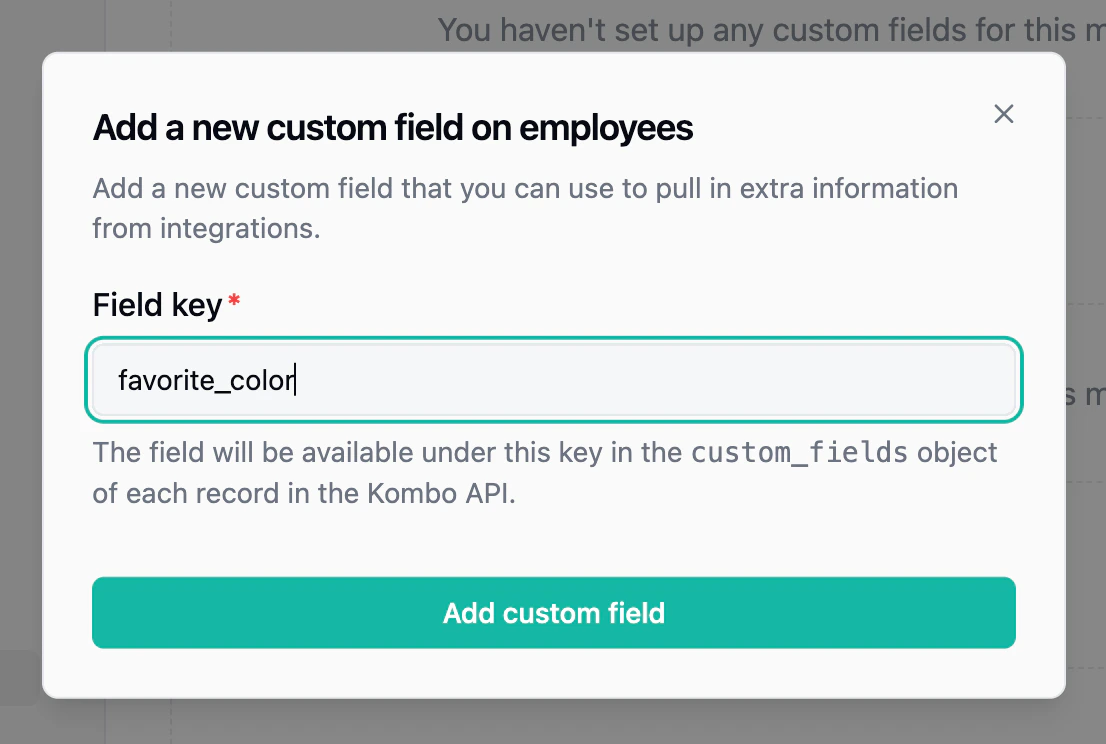
The most common option. Custom fields let you define your own field keys (e.g.,t_shirt_size) and map them to the corresponding field in each connected integration. Values are returned as part of the unified API response in a custom_fields object, so your code stays integration-agnostic.
Custom fields can be mapped via the dashboard, through automatic mapping rules that match on field keys, or through the self-serve setup flow where your end customers map them during onboarding. Use the Custom Field Explorer to discover available fields from the remote tool in real-time without waiting for a sync.
Remote Fields — Extra Data on Writes
When a write action (e.g., creating a candidate) requires tool-specific data that isn’t part of the unified request body, remote fields let you pass it alongside the unified payload. Each tool has its ownremote_fields schema documented on the relevant write endpoint.
Field Remapping — Override Default Mappings
Remapping lets you override how Kombo maps specific unified fields. For example, you can change which source field populatesjob_title for a particular integration, or remap enum values. This is useful when an integration’s default mapping doesn’t match how your customer has configured their system.