Overview
Our logs enable you to dig deeper into what is happening behind your integrations. Depending on the type of interaction, different logs are available. You can find the logs in the sidebar of the Kombo dashboard.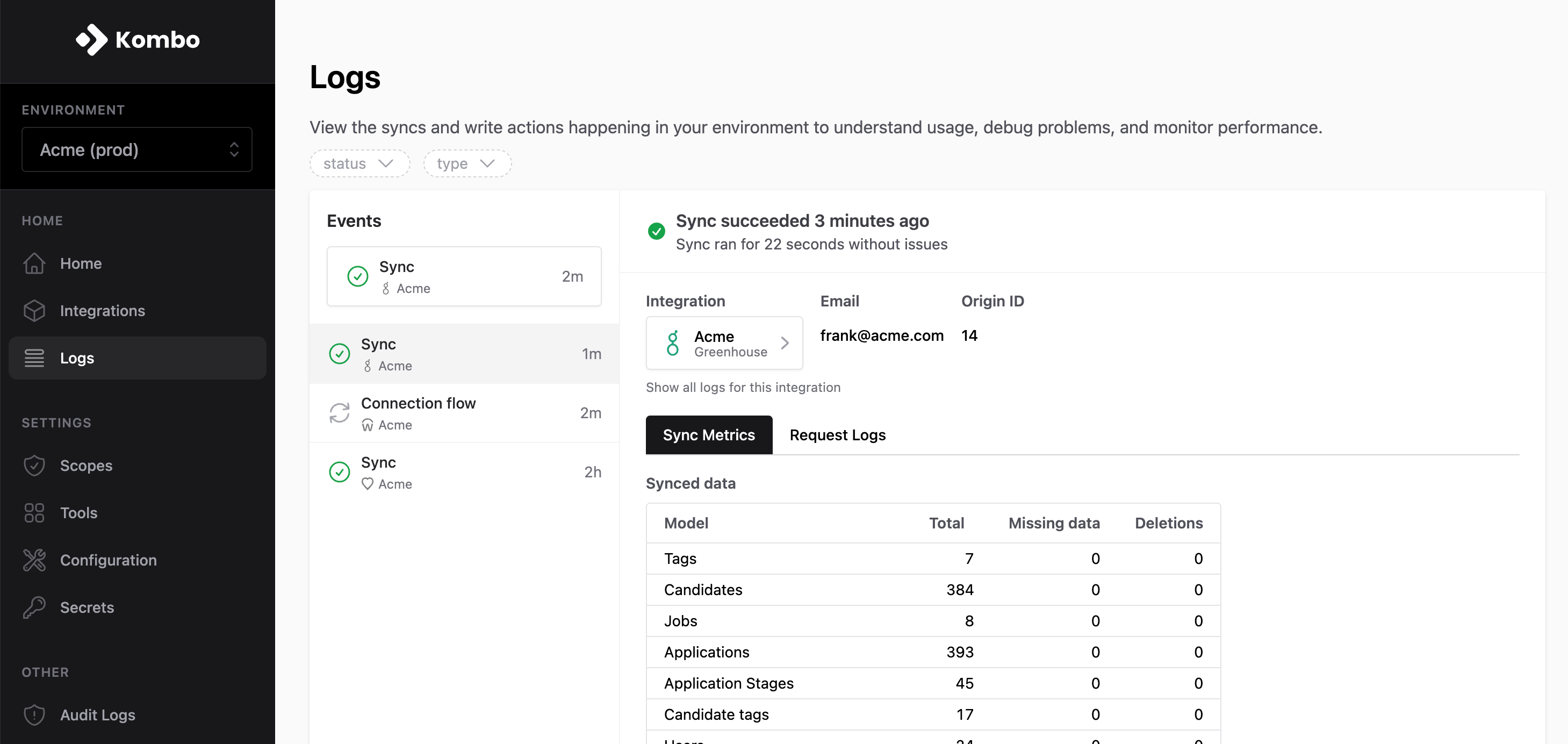
Available Log types
Filters
Use filters to narrow your search and find exactly what you’re searching for. We additionally make sure to link back to any logs from relevant dashboard pages. For example, you can instantly query an integration’s logs by clicking “logs” on the integration’s details page.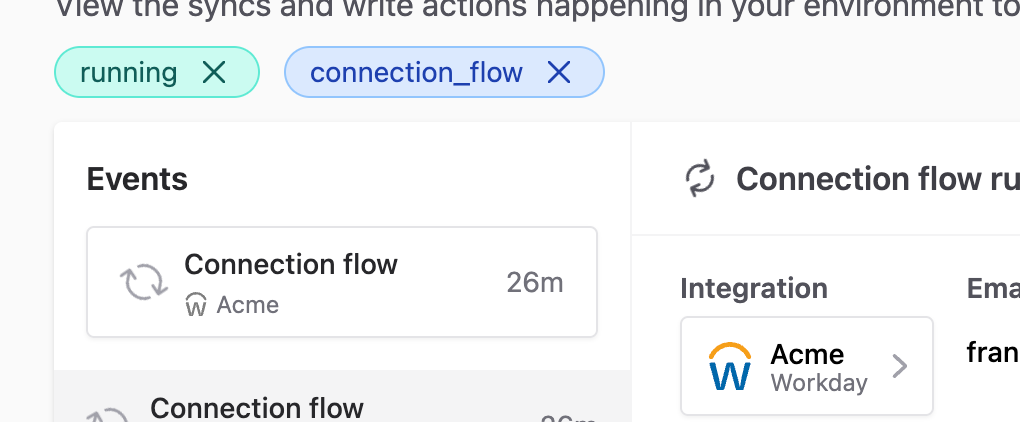
Request Logs
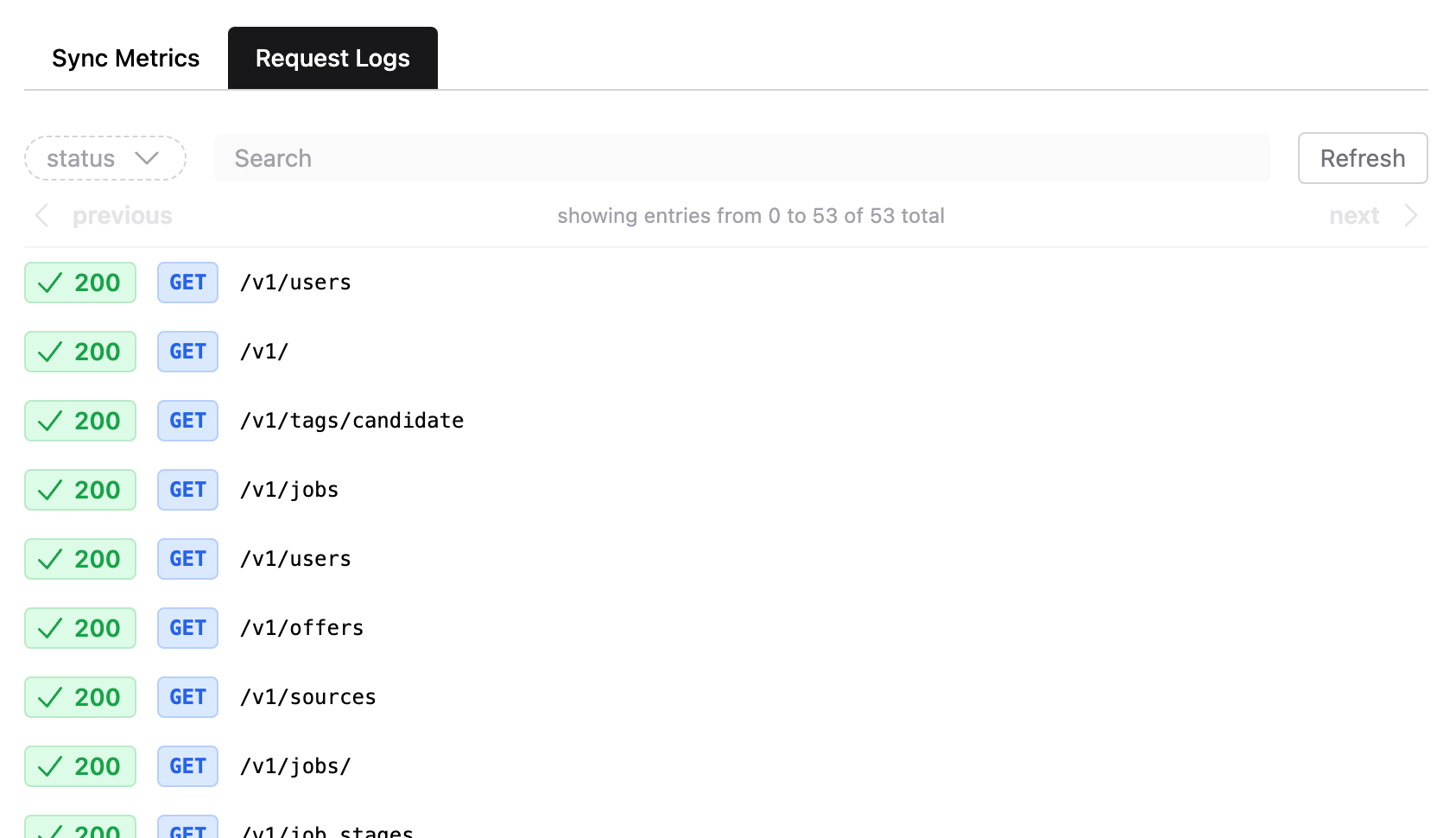
Request logs help you see any API requests that Kombo is making to the integrated tool, and debug any issues. If an integration is having issues, request logs let you deep dive into understanding which endpoints are causing problems, such as finding requests returning403 status codes for missing permissions.
Viewing Details
Click on a row to view details of the API request. Kombo will redact any sensitive data. You can view the response of the request by clicking on Open response.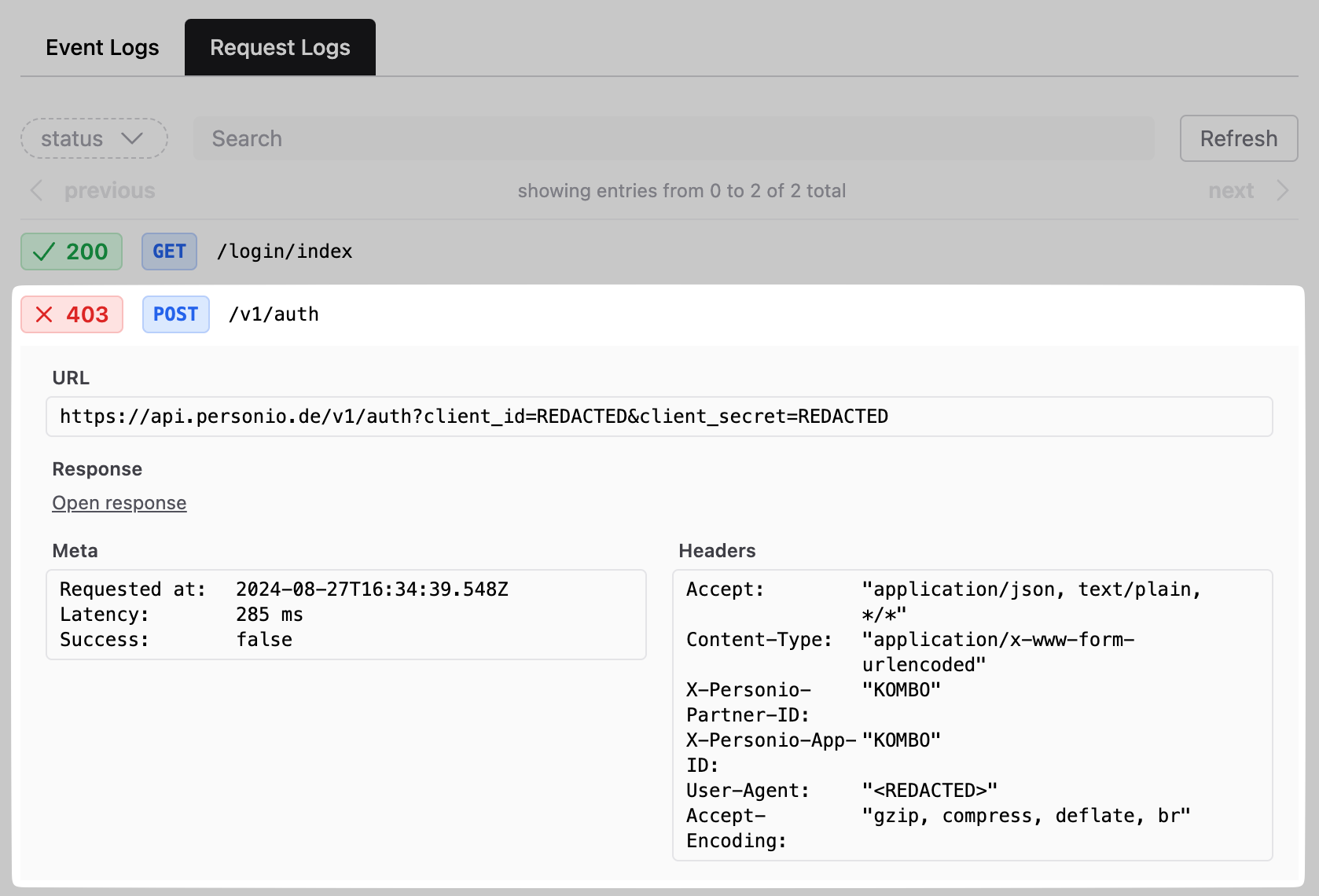
Retention
By default, Kombo stores logs for 30 days. Longer retentions are available upon request on the enterprise plan.Connection Flow Event Logs
We store any decisive events that happen throughout the connection flow to enable you to understand exactly what your customer is experiencing. This visibility lets you detect what is preventing your customers from connecting their tool, and ultimately reach out to them with the right help to complete the integration.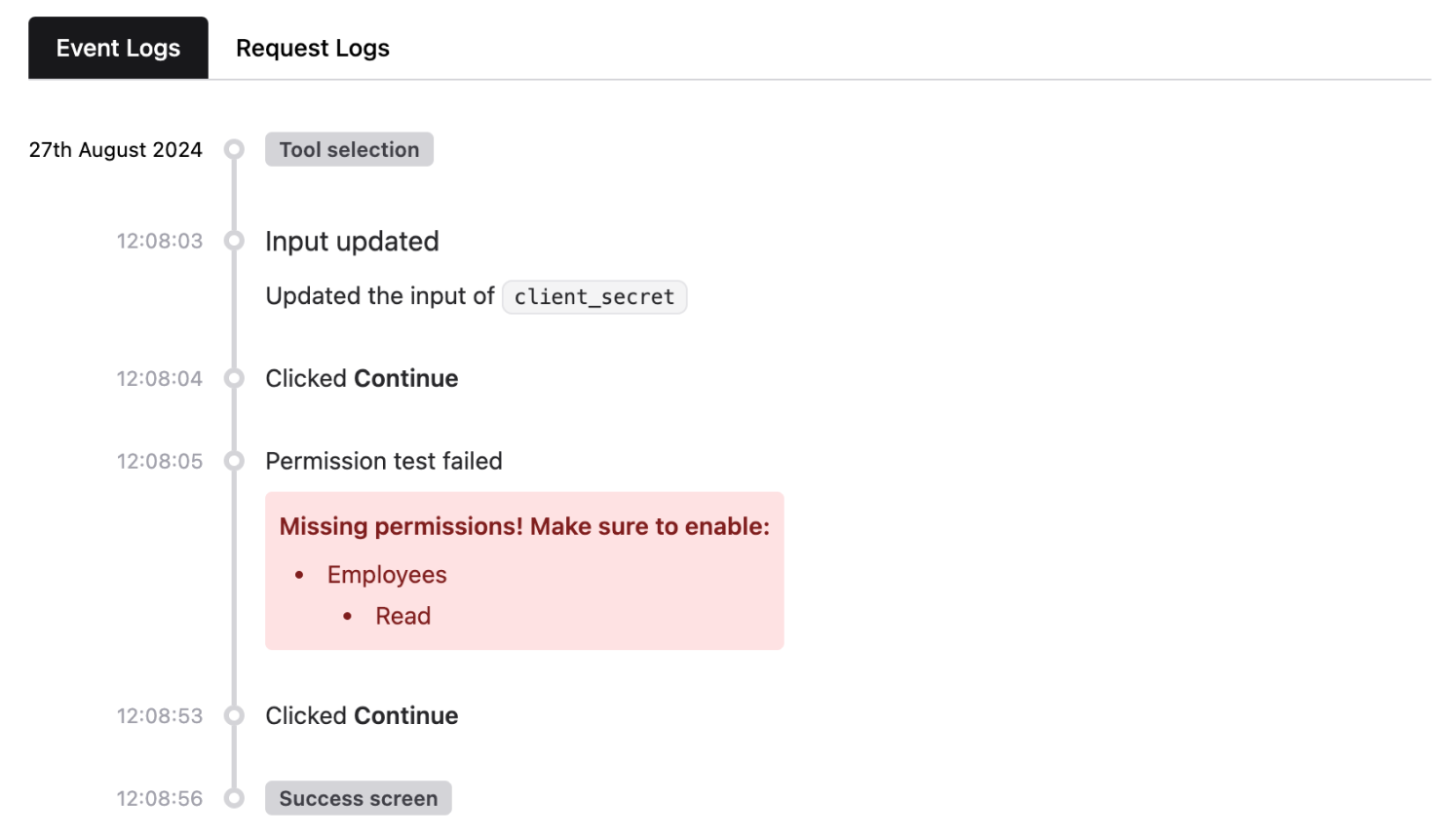
Identifying User Sessions
The logs are grouped by user sessions, with a ‘broken’ line indicating a break between two sessions. Viewing sessions allows you to gain insights on when a user exited and/or re-entered the connection flow.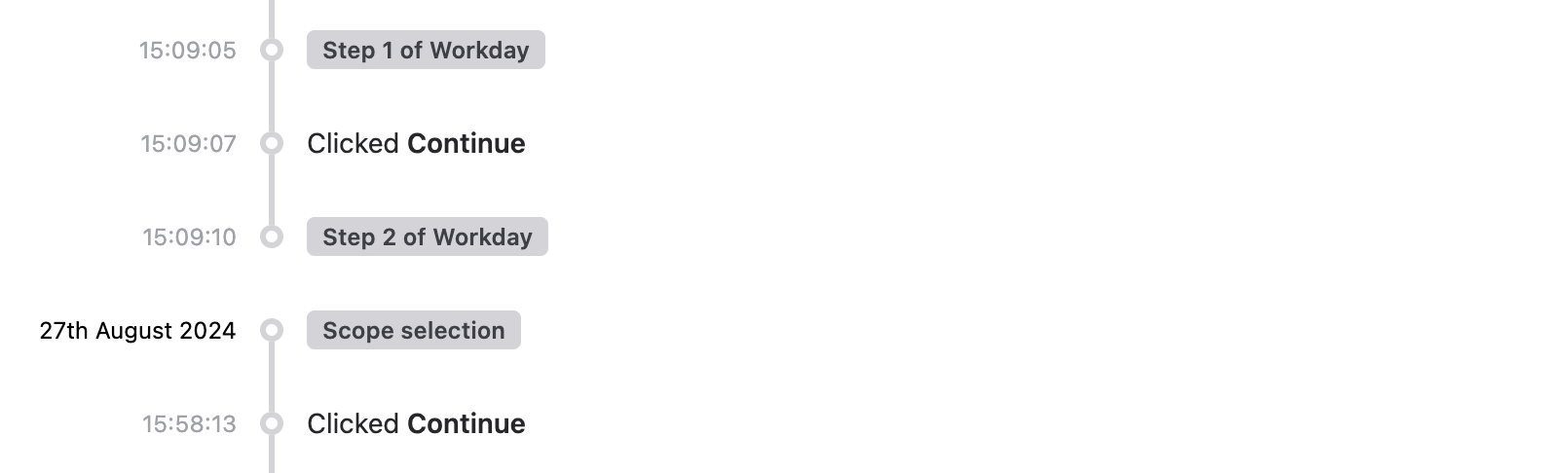
Sync Metrics
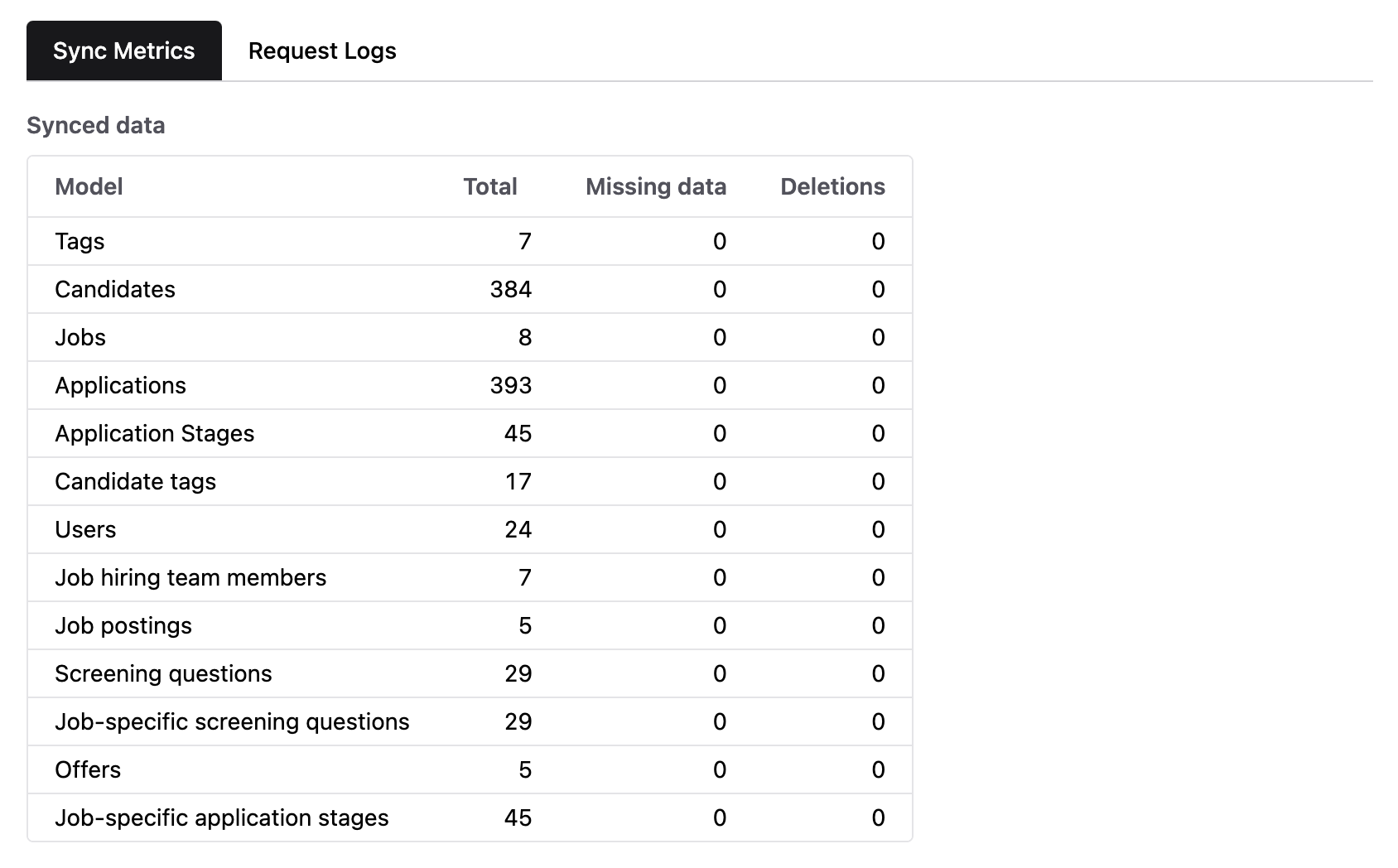
The sync metrics tab allows you to gain insights into which data was read and whether any issues occurred. Use this to quickly verify that the expected data is being synced without having to make any API calls.