> ## Documentation Index
> Fetch the complete documentation index at: https://docs.kombo.dev/llms.txt
> Use this file to discover all available pages before exploring further.
# Remapping address fields
> Learn how to use the remapping feature to adjust Kombo address fields based on fields in your customer's systems.
## Remapping an address field
1. An address in Kombo consists out of multiple fields. Select an integration field for each field you wish to fill. Unfilled will result in `null` for the respective property.
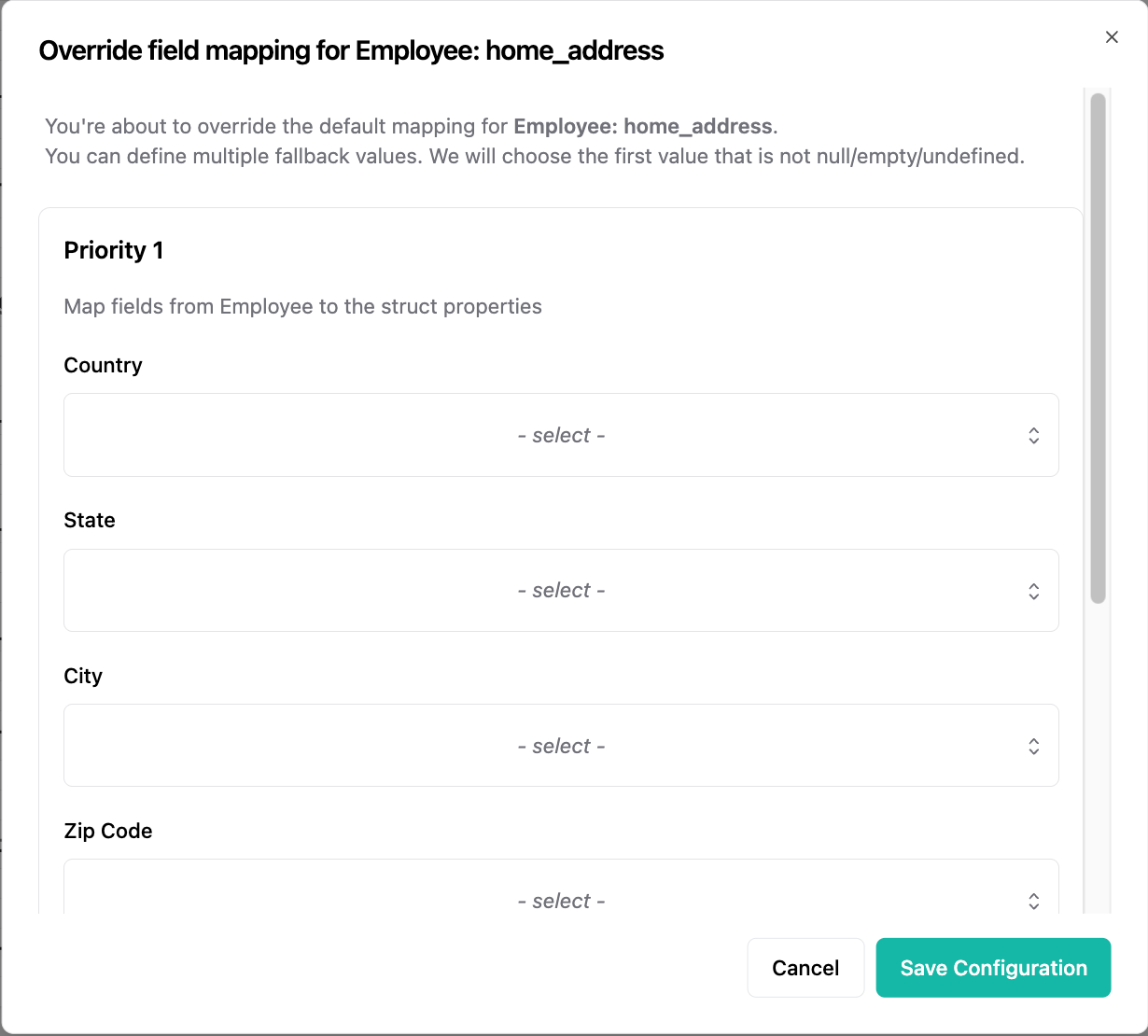 2. You might need to scroll to see all available fields.
Note: English country names will get automatically resolved to the ISO 3166-1 alpha-2 country code.
## Fallbacks
Fallbacks are only executed if **all fields** in the priority above are missing (`undefined`), `null` or empty (`''`).
2. You might need to scroll to see all available fields.
Note: English country names will get automatically resolved to the ISO 3166-1 alpha-2 country code.
## Fallbacks
Fallbacks are only executed if **all fields** in the priority above are missing (`undefined`), `null` or empty (`''`).