> ## Documentation Index
> Fetch the complete documentation index at: https://docs.kombo.dev/llms.txt
> Use this file to discover all available pages before exploring further.
# Remapping reference fields
> Learn how to use the remapping feature to adjust Kombo reference fields based on fields in your customer's systems.
## Remapping an reference field
Reference fields are fields that reference related entities. For example our employee model has three reference fields: manager\_id, legal\_entity\_id and work\_location.
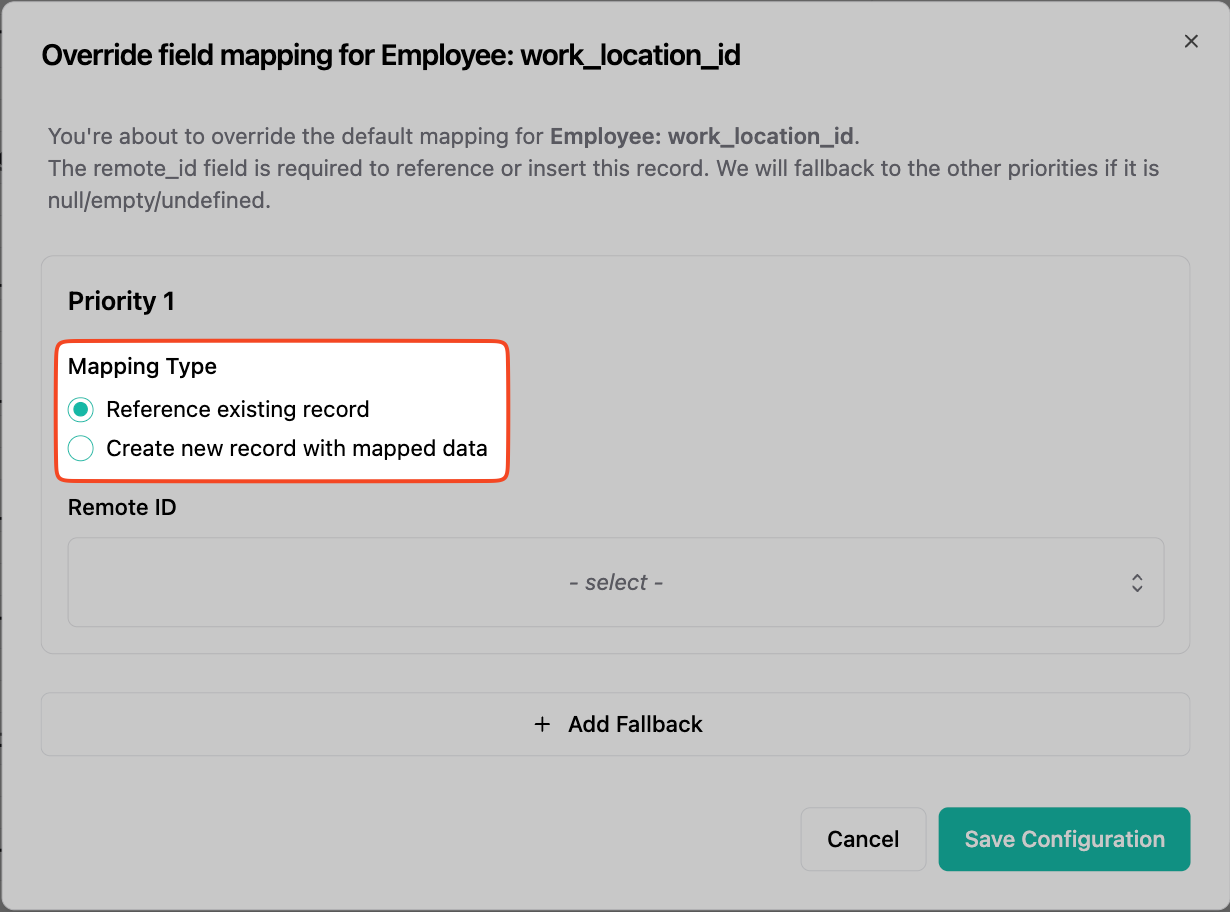
These fields can offer up to two mapping types.
 ## Refernce existing record
1. When choosing `Refernce existing record` the model will be linked to an already existing record.
2. You will need to select a field that contains the same remote id as the model you wish to reference.
## Refernce existing record
1. When choosing `Refernce existing record` the model will be linked to an already existing record.
2. You will need to select a field that contains the same remote id as the model you wish to reference.
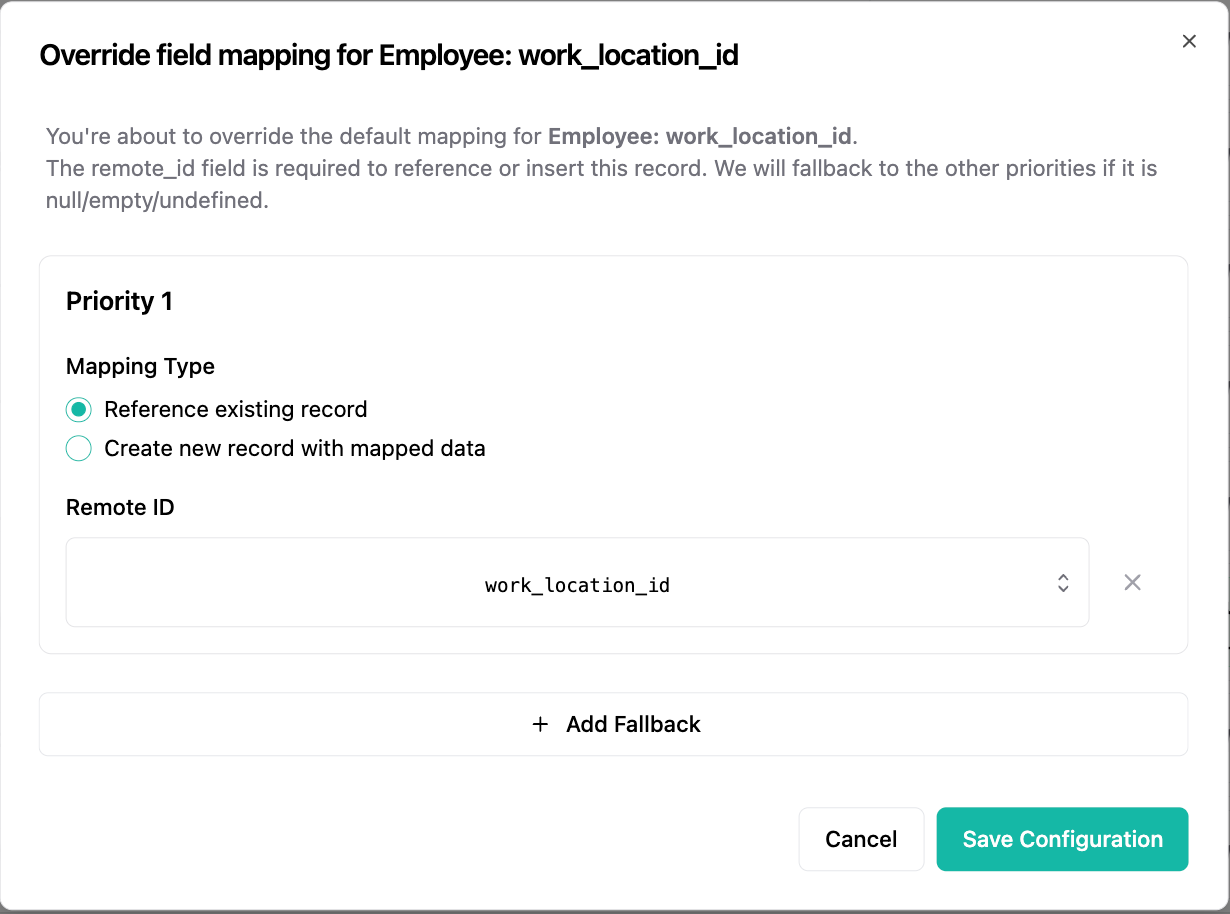 If the referenced record does not exist, it will be created but all other
fields except the id will be `null`.
## Create new record with mapped data
1. When choosing `Create new record with mapped data` the model will be linked to a new record. You will be able to create a new work location, legal entity, etc.
2. Fill the the remote id with the unique identifier you want to use for the new record.
3. Then fill the rest of the properties.
If the referenced record does not exist, it will be created but all other
fields except the id will be `null`.
## Create new record with mapped data
1. When choosing `Create new record with mapped data` the model will be linked to a new record. You will be able to create a new work location, legal entity, etc.
2. Fill the the remote id with the unique identifier you want to use for the new record.
3. Then fill the rest of the properties.
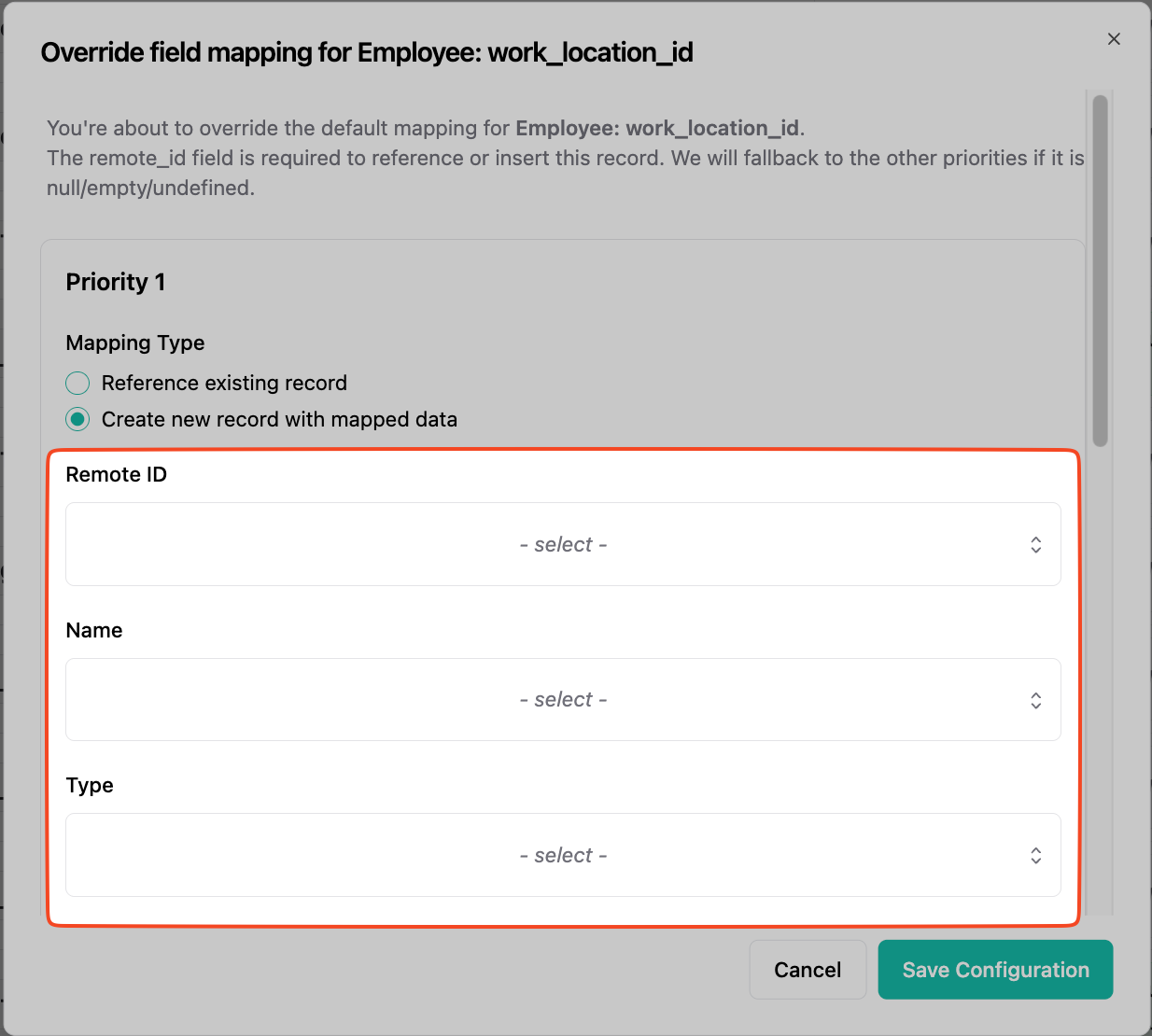 You will be able to receive the new record on both the `/employees` endpoint, as well as the relations own endpoint (`/work-locations`, `/legal-entities`).
Note: This option is not available for all reference fields.
You will be able to receive the new record on both the `/employees` endpoint, as well as the relations own endpoint (`/work-locations`, `/legal-entities`).
Note: This option is not available for all reference fields.