> ## Documentation Index
> Fetch the complete documentation index at: https://docs.kombo.dev/llms.txt
> Use this file to discover all available pages before exploring further.
# Extending the model
> How to make Kombo's unified models fit your product
Kombo's unified models cover the fields that are standard across HR and ATS systems. When your product needs additional data, Kombo offers several ways to go beyond the unified model — each suited to a different scenario.
### Custom Fields — Unified Extra Data (Reads)
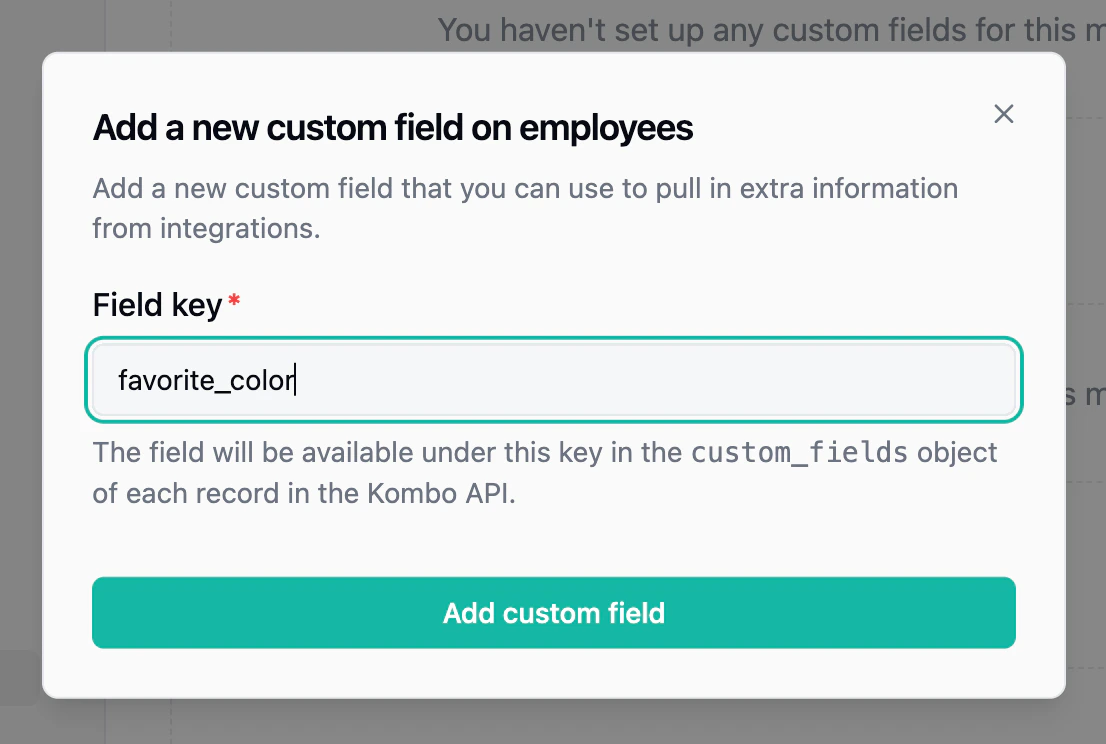
The most common option. [Custom fields](/hris/features/custom-fields) let you define your own field keys (e.g., `t_shirt_size`) and map them to the corresponding field in each connected integration. Values are returned as part of the unified API response in a `custom_fields` object, so your code stays integration-agnostic.
Custom fields can be mapped via the dashboard, through automatic mapping rules that match on field keys, or through the [self-serve setup flow](/hris/features/setup-flow/introduction) where your end customers map them during onboarding. Use the [Custom Field Explorer](/hris/features/custom-fields#map-fields-based-on-live-data) to discover available fields from the remote tool in real-time without waiting for a sync.
 ### Remote Fields — Extra Data on Writes
When a write action (e.g., creating a candidate) requires tool-specific data that isn't part of the unified request body, [remote fields](/hris/features/remote-fields) let you pass it alongside the unified payload. Each tool has its own `remote_fields` schema documented on the relevant write endpoint.
### Field Remapping — Override Default Mappings
[Remapping](/hris/features/remapping/introduction) lets you override how Kombo maps specific unified fields. For example, you can change which source field populates `job_title` for a particular integration, or remap enum values. This is useful when an integration's default mapping doesn't match how your customer has configured their system.
### Passthrough API — Full Native API Access
For use cases that go beyond field-level customization, the [Passthrough API](/hris/features/passthrough-api) lets you call the underlying tool's native API directly, with Kombo handling authentication. This gives you access to any endpoint the tool offers — reading resources Kombo doesn't model, calling custom actions, or accessing tool-specific configuration.
### Choosing the Right Approach
| Scenario | Recommended |
| ------------------------------------------------------------------------------------------- | -------------------------------------------------- |
| Read extra fields from synced data (standard or provider-specific; one integration or many) | [Custom fields](/hris/features/custom-fields) |
| Send extra data on a write action | [Remote fields](/hris/features/remote-fields) |
| Override how a unified field is mapped | [Remapping](/hris/features/remapping/introduction) |
| Access an entirely different API endpoint | [Passthrough API](/hris/features/passthrough-api) |
### Remote Fields — Extra Data on Writes
When a write action (e.g., creating a candidate) requires tool-specific data that isn't part of the unified request body, [remote fields](/hris/features/remote-fields) let you pass it alongside the unified payload. Each tool has its own `remote_fields` schema documented on the relevant write endpoint.
### Field Remapping — Override Default Mappings
[Remapping](/hris/features/remapping/introduction) lets you override how Kombo maps specific unified fields. For example, you can change which source field populates `job_title` for a particular integration, or remap enum values. This is useful when an integration's default mapping doesn't match how your customer has configured their system.
### Passthrough API — Full Native API Access
For use cases that go beyond field-level customization, the [Passthrough API](/hris/features/passthrough-api) lets you call the underlying tool's native API directly, with Kombo handling authentication. This gives you access to any endpoint the tool offers — reading resources Kombo doesn't model, calling custom actions, or accessing tool-specific configuration.
### Choosing the Right Approach
| Scenario | Recommended |
| ------------------------------------------------------------------------------------------- | -------------------------------------------------- |
| Read extra fields from synced data (standard or provider-specific; one integration or many) | [Custom fields](/hris/features/custom-fields) |
| Send extra data on a write action | [Remote fields](/hris/features/remote-fields) |
| Override how a unified field is mapped | [Remapping](/hris/features/remapping/introduction) |
| Access an entirely different API endpoint | [Passthrough API](/hris/features/passthrough-api) |