> ## Documentation Index
> Fetch the complete documentation index at: https://docs.kombo.dev/llms.txt
> Use this file to discover all available pages before exploring further.
# Manual setup
> Manually set up integrations on behalf of your customers.
When you're just getting started with Kombo, you might not want to invest the
time into building a proper integration with [Kombo Connect](./introduction) yet.
Because of that, we allow you to *manually* set up integrations through the
Kombo Dashboard.
## Setting up an integration
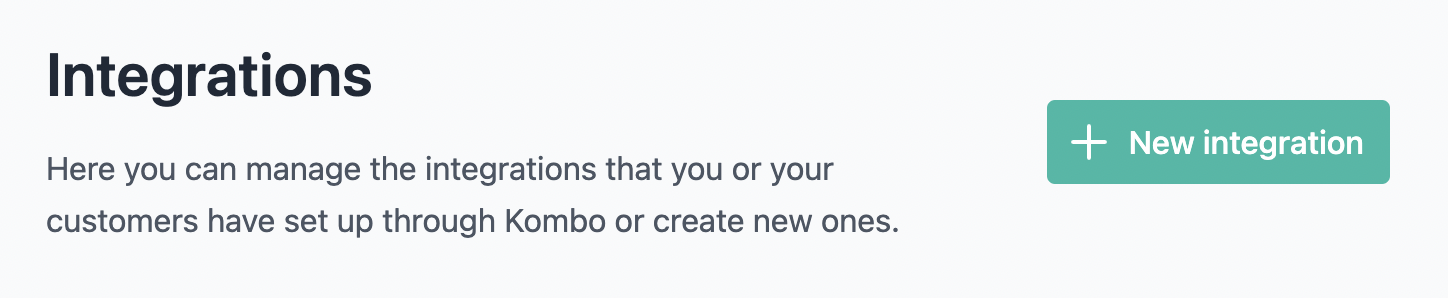
To get started, open up [the dashboard](https://app.kombo.dev) and click on "New
integration":
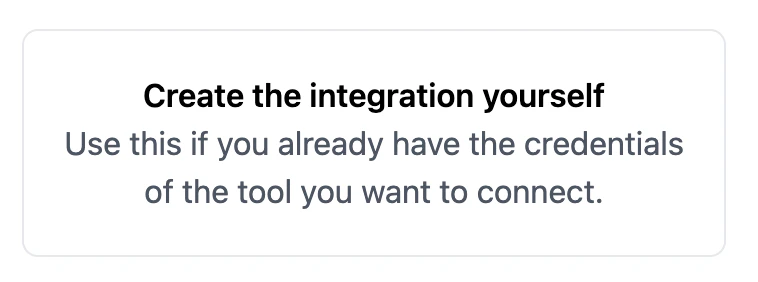
 Then, select "Create the integration yourself":
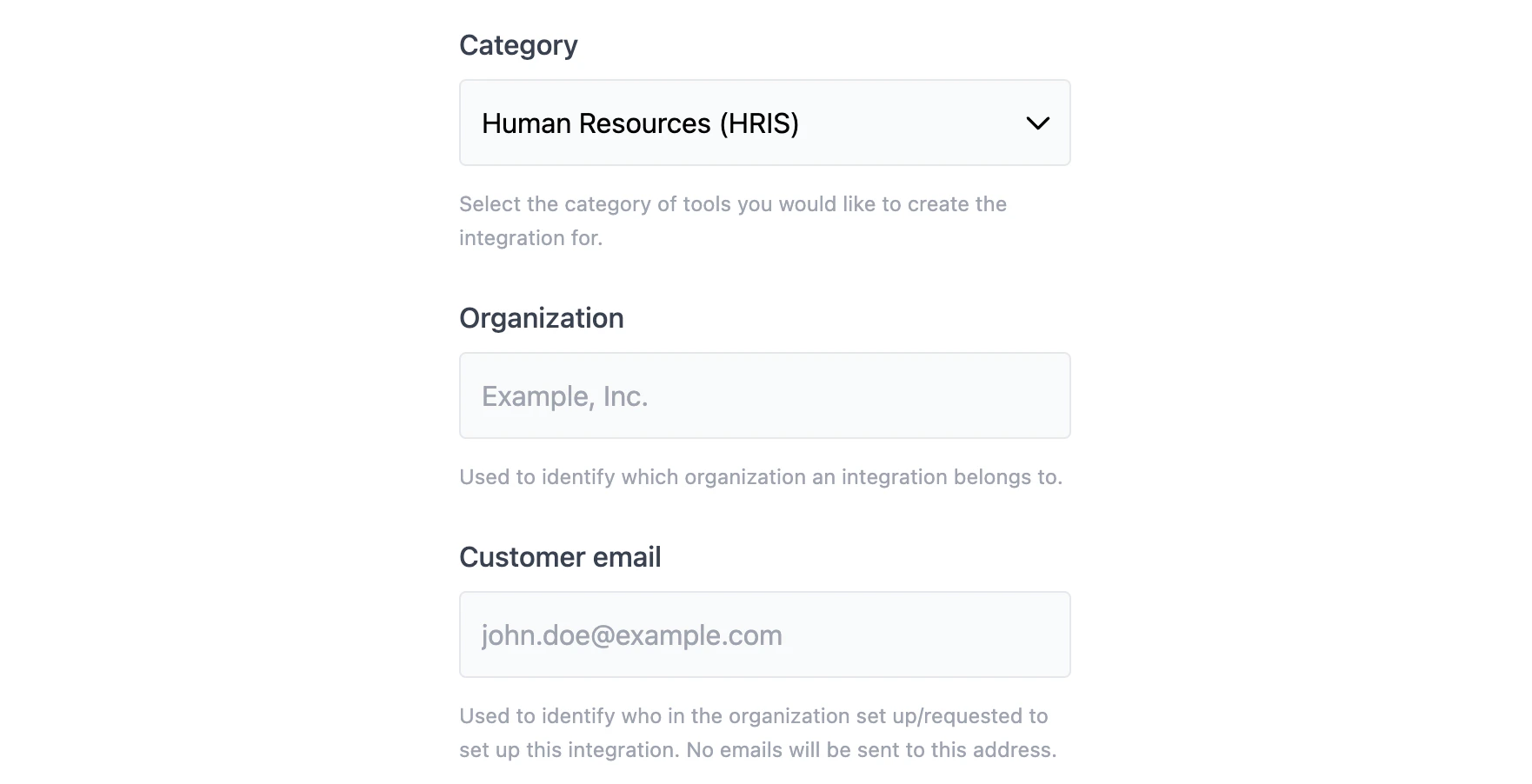
 In the next step, select the integration category (e.g., HRIS) and which
customer it's for:
In the next step, select the integration category (e.g., HRIS) and which
customer it's for:
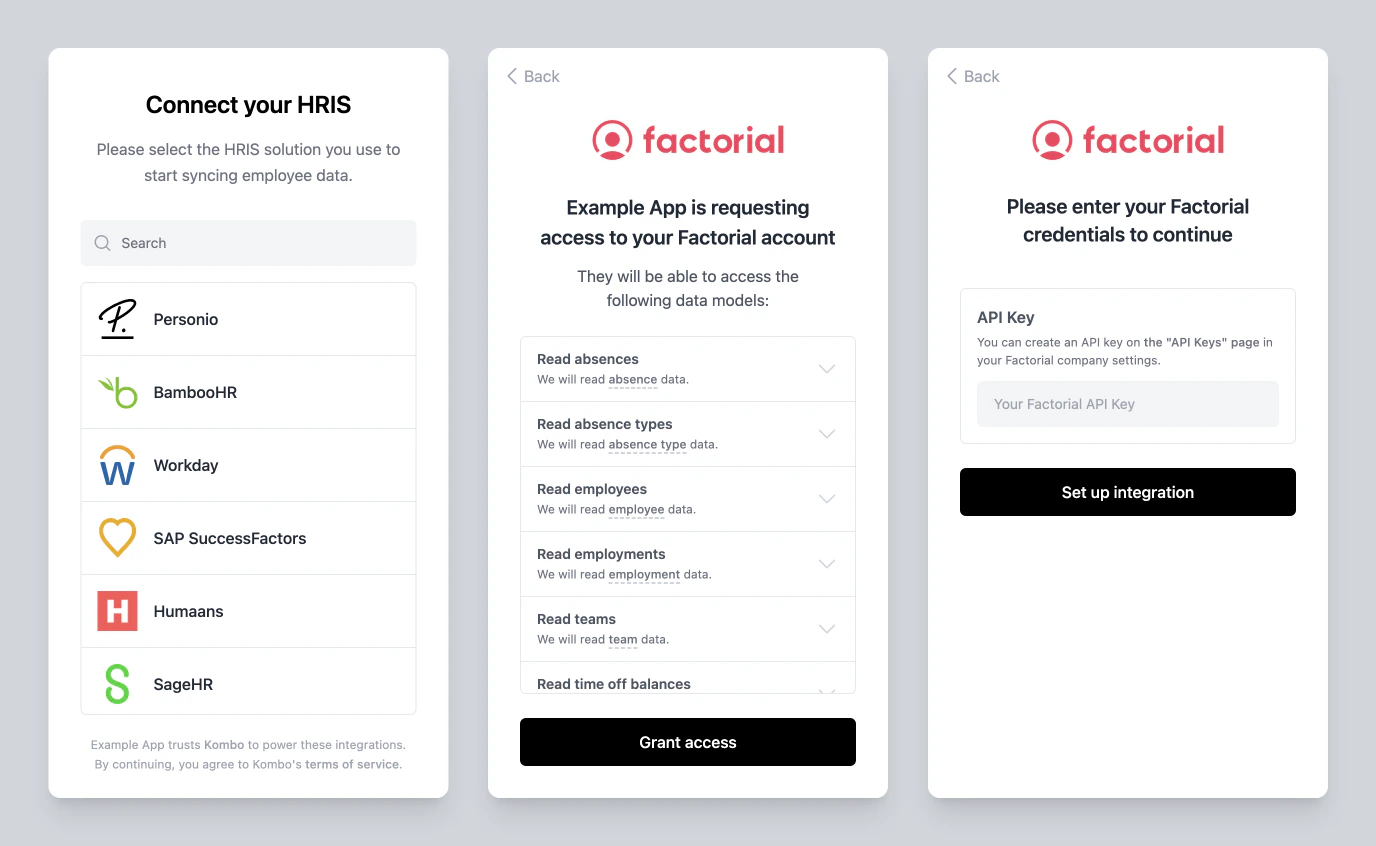
 After clicking "Continue," you'll then be presented with the regular
[Kombo Connect](./introduction) flow, except that in this case, it's *you* going
through it and not your customer:
After clicking "Continue," you'll then be presented with the regular
[Kombo Connect](./introduction) flow, except that in this case, it's *you* going
through it and not your customer:
 After going through the flow, the integration will be set up, and you can start
using our unified API. To learn more about that, check out
[our general Getting Started guide](../../getting-started).
After going through the flow, the integration will be set up, and you can start
using our unified API. To learn more about that, check out
[our general Getting Started guide](../../getting-started).